


February 10, 2026 The Uncalibrated Monitor: Why Your Screen Is Lying About Your Clinical Photos
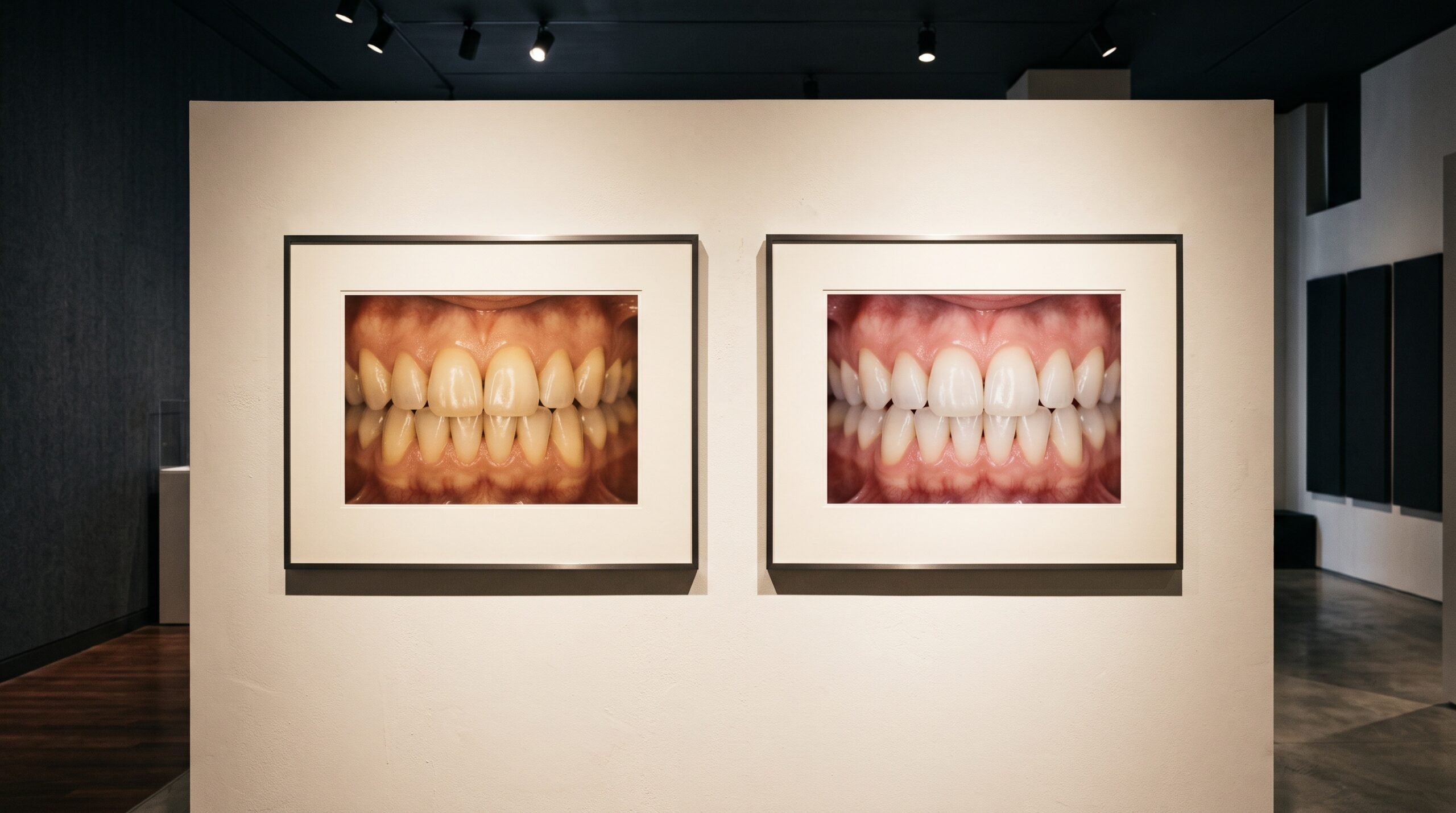
Consider the gallery for a moment. A curator would never hang a painting under a flickering, color-shifted bulb and call the viewing faithful. Yet in clinical dental photography, we routinely judge our most delicate work, the subtle translucency at an incisal edge, the exact warmth of a shade, on a screen that has never been calibrated, in a room lit however the office happened to be built. The image on that screen is not the image you captured. It is the screen’s opinion of it.
This is the quiet flaw beneath a great deal of frustration in dental imaging. A clinician captures a technically excellent photograph, sends it to the ceramist, and the restoration comes back subtly wrong. The instinct is to blame the camera, the flash, or the lab. Often the real culprit sat on the desk the whole time, glowing confidently in a color it invented.
What an uncalibrated monitor actually does to your work
Every display makes three sets of decisions on your behalf: how bright to render the image, how much contrast to apply, and how to translate the file’s color values into light. Out of the box, most screens are tuned to look punchy in a showroom, not to be accurate. They run too bright, push contrast, and lean toward a cool blue or an artificial warmth. On such a screen, a photograph can look perfectly balanced to you while the actual data is skewed, and vice versa.
The consequence for clinical work is direct. If your monitor renders a tooth cooler than it is, you may ‘correct’ it toward warmth, baking an error into the file that the lab then receives as fact. Shade communication, the most color-critical task in the discipline, becomes a game of telephone played between three screens that never agreed on what a color was in the first place.
The vocabulary of getting it right
Color management sounds arcane, but it rests on a few clear ideas. The gamut is the range of colors a device can reproduce; a screen that cannot display a color cannot show you that your image contains it. White point defines what the screen calls neutral white, usually targeted around 6500 kelvin for a daylight-neutral result. Gamma describes how tones move from black to white, governing how shadow and highlight detail render. And sRGB is the common color space that most screens, browsers, and labs assume; working within it keeps everyone speaking the same language.
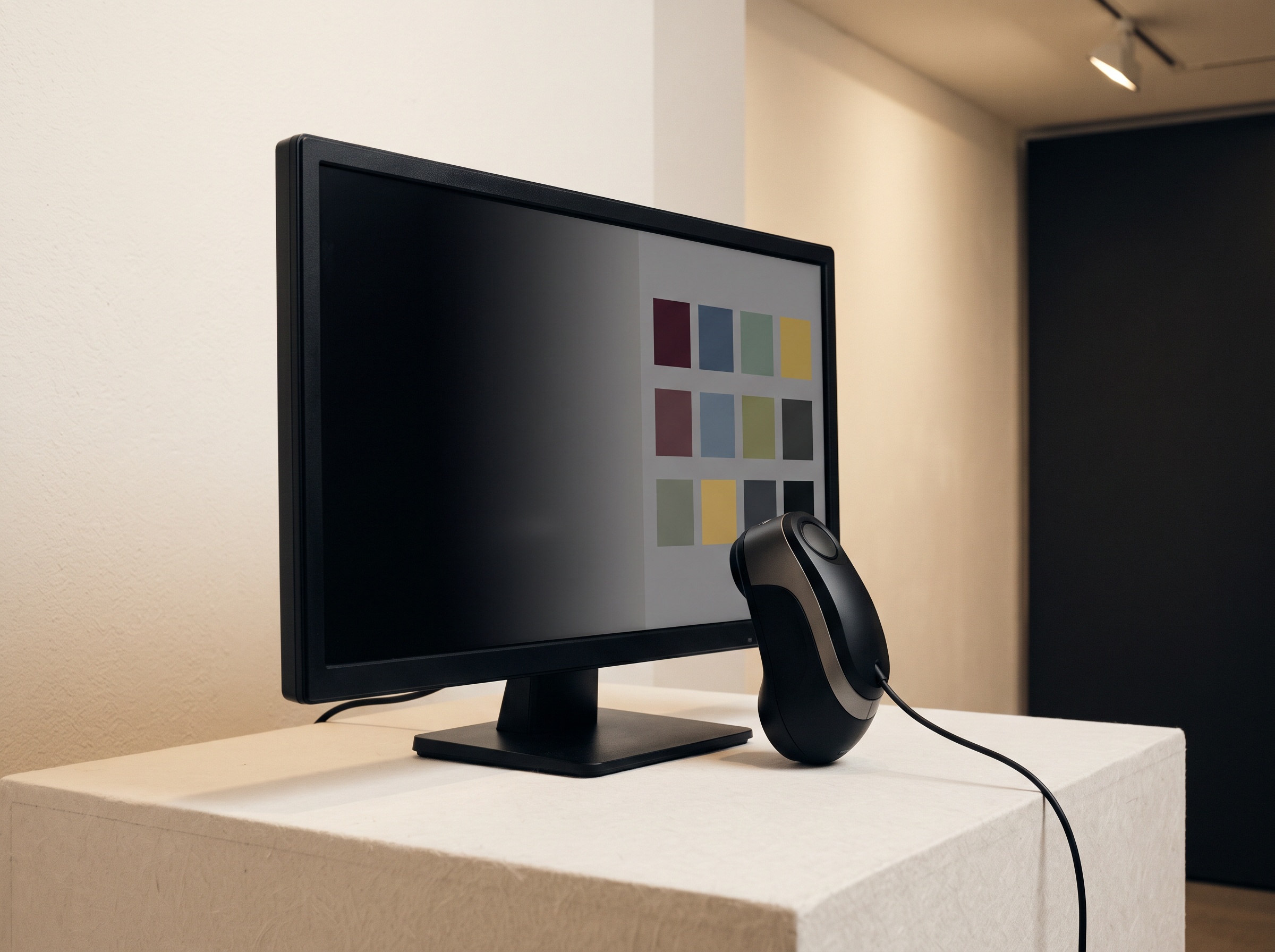
Tying these together is the color profile, a small file that tells your computer how your specific display behaves so the system can compensate. Creating an accurate profile is what calibration means. And here the distinction matters: software ‘calibration’ that only nudges sliders by eye is guesswork. True calibration uses a hardware device, a colorimeter or spectrophotometer, placed against the screen to measure the light it emits and build a corrected profile from real measurements.
A practical path to a trustworthy screen
You do not need a broadcast-grade suite to bring your imaging under control. You need a measured display and a stable environment. Begin by choosing a monitor capable of covering the sRGB space reliably; many consumer panels do, but the cheapest often do not. Attach a hardware calibrator and let it profile the screen, targeting a daylight-neutral white point, a moderate brightness suited to your room rather than maximum, and a standard gamma. Recalibrate on a schedule, because displays drift as they age.
Then address the room, because the finest calibration is undone by a window behind you or a warm ceiling light washing the screen. Aim for controlled, consistent, neutral ambient light, and neutral-grey surroundings where color judgments are made. A colored wall reflecting onto your face and screen biases every decision your eye makes. The goal is a viewing condition as disciplined as the gallery’s: the same, every time, telling no lies.
Close the loop with the lab
Calibration is most powerful when it is shared. A color-managed image is only fully honest if the ceramist views it on a color-managed screen as well. Where possible, agree on a common color space, include a neutral grey reference or a shade tab in critical images so there is an anchor everyone can trust, and treat the reference, not the memory of the chairside moment, as ground truth. When both ends of the chain are measured, the restoration that returns actually matches the tooth beside it.
Future Developments
The trajectory of dental imaging points steadily toward color that can be trusted end to end. Displays with built-in self-calibration are becoming affordable, removing the discipline problem by handling it automatically. Spectrophotometric shade capture is increasingly paired with photography, giving an objective color value alongside the image so the two can be cross-checked rather than merely admired. And as artificial intelligence begins to read clinical photographs for diagnosis and planning, the demand for genuinely accurate color will only intensify, because a model trained on distorted images inherits the distortion.

In the end, the pursuit of imaging as both science and art rests on a humble prerequisite: a surface that shows us what is really there. The camera captures the truth of the tooth, but it is the calibrated screen that lets us finally see it. Tend to that surface, and every image after becomes not a screen’s opinion, but a faithful record, worthy of the craft that made it.
Sorry, the comment form is closed at this time.